
Web
The full product, right in your browser.
Nothing to install. Open Chainabit in any modern browser to use Chao, your workspace, agents and connectors.
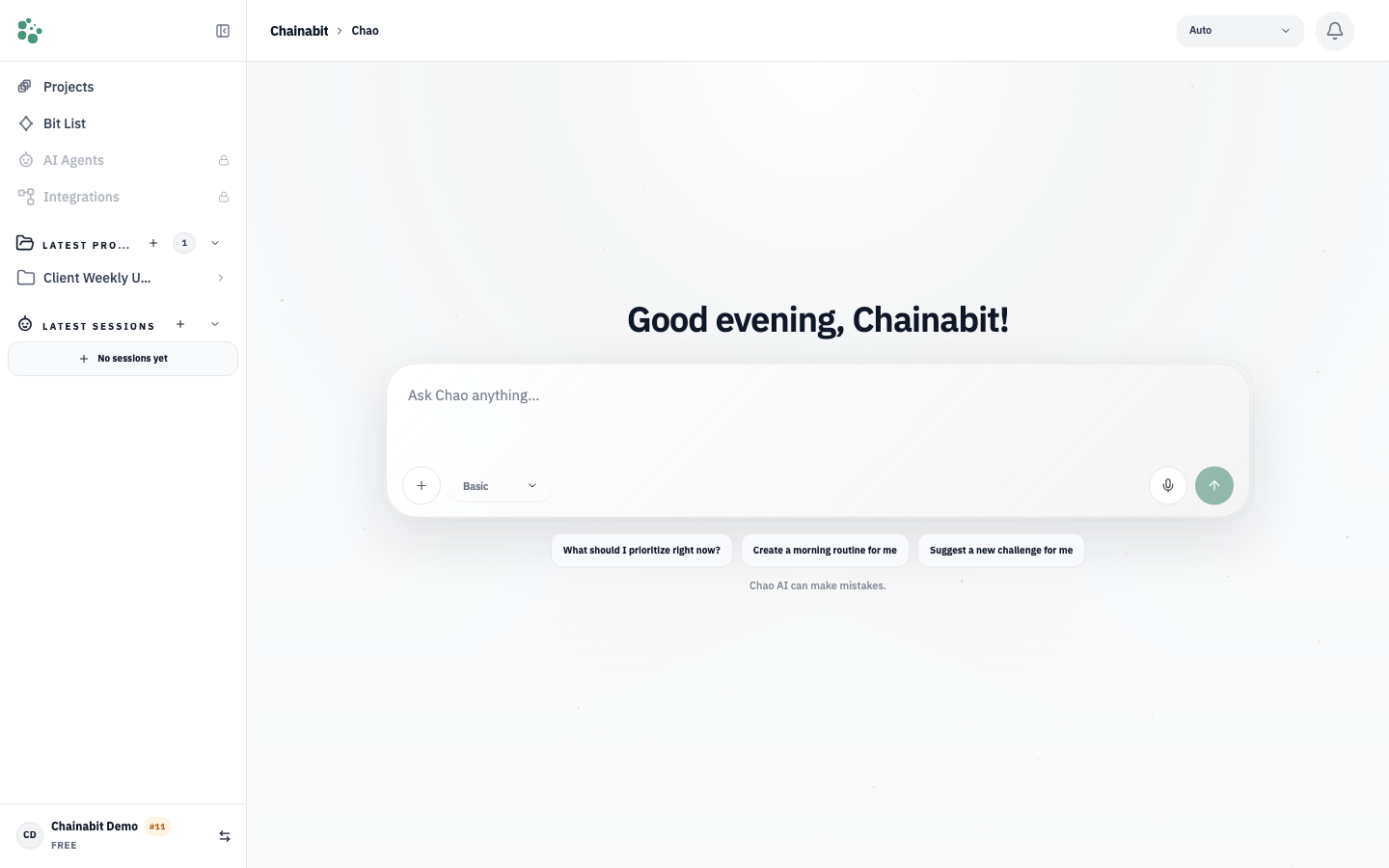
Chao session in the Chainabit web app: a delegated task with the plan, tool calls and the finished output
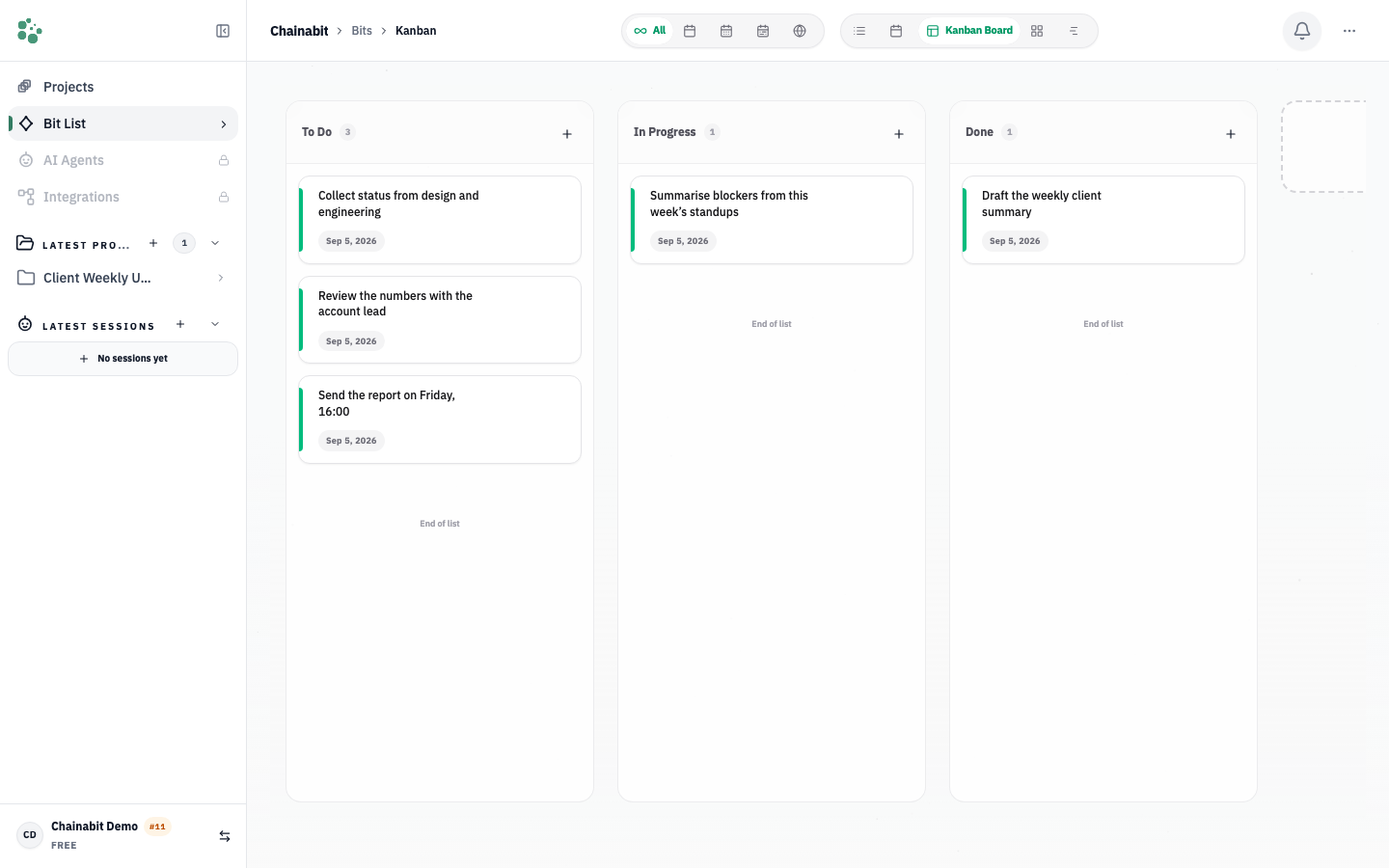
Kanban view of a project with tasks grouped by status
Chao session in the Chainabit web app: a delegated task with the plan, tool calls and the finished output
Kanban view of a project with tasks grouped by status
What you get
Web app
Prioritize your work with confidence
Organize tasks by importance, urgency and current goals so your workload stays clear and actionable.
Manage your agents in one place
Create, configure and coordinate agents with different responsibilities from the same workspace.
Configure your workspace around you
Adjust settings, preferences and working methods to fit the way you and your team work.
Keep context with your projects
Projects, previous work and relevant information stay together, so new tasks need less re-explanation.
Delegate and automate tasks
Hand recurring or well-defined work to agents and set the boundaries that let processes move forward independently.
Manage your workspace with ease
Keep projects, tasks, teams and resources organized, and simplify tracking across workspaces.
Questions
Current versions of Chrome, Safari, Firefox and Edge on desktop and mobile.
Yes, as a progressive web app from your browser’s install option. The native mobile apps are separate downloads.
Yes. Your workspace is the same on web, mobile, CLI and Nexus.
Yes. Sign in with the same Chainabit account to use your workspace across the web, mobile, CLI and Nexus.
Chainabit needs a connection. Recently viewed data may stay visible briefly if you lose connectivity, but there is no dedicated offline mode.
Start with one recurring task.
Create a free account, describe one thing you do every week, and let Chao take it from there.