
CLI
Your workspace from the terminal.
The official command-line client for projects, tasks, agents, AI and connectors. Script it, run it in CI, or use it as a worker in agent rooms.
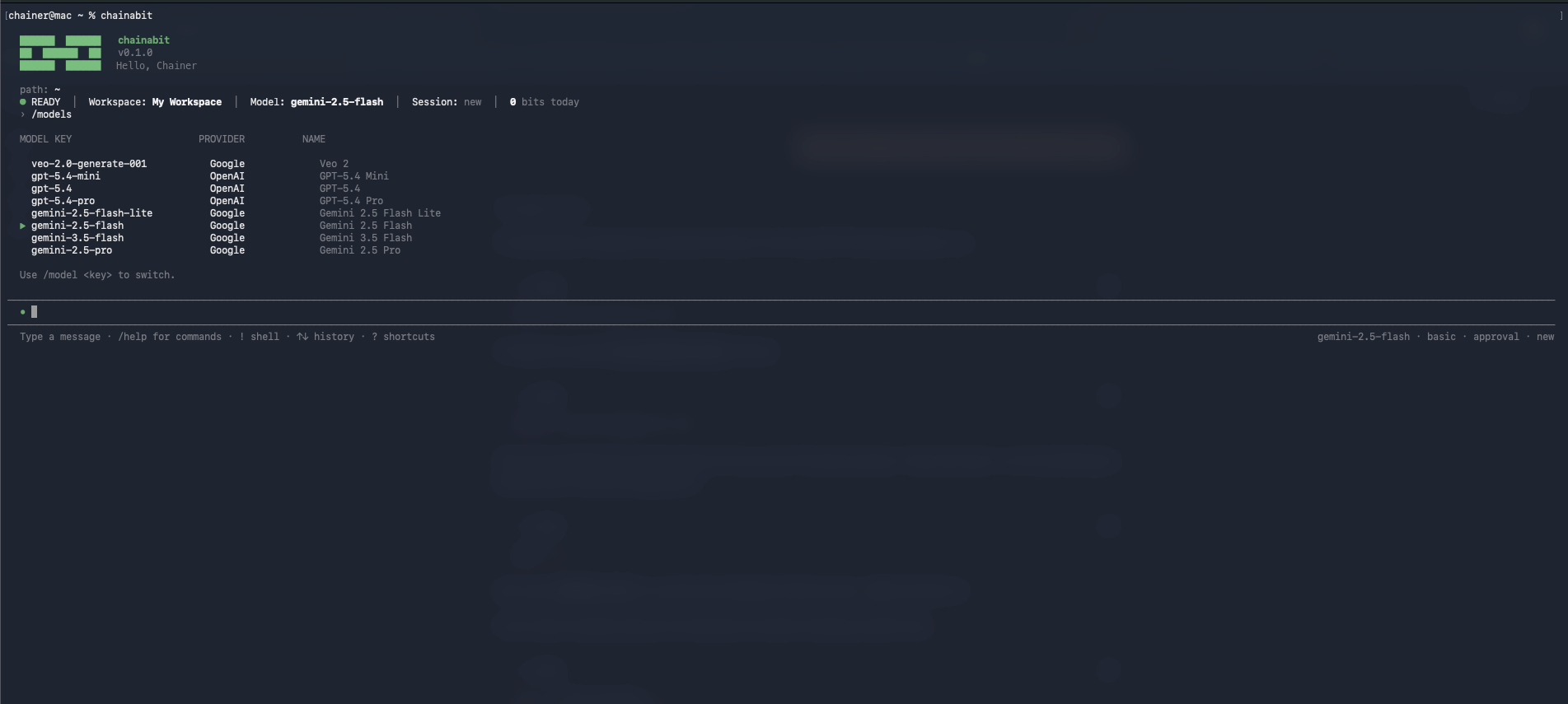
Install
Install quickly from the terminal
curl -fsSL https://chainabit.com/cli/install.sh | bashirm https://chainabit.com/cli/install.ps1 | iexnpm install -g @chainabit/cli@latestWhat you get
CLI
Projects and tasks
List, create and update Chainies, Chains and Bits from the shell.
Run agents
Trigger agent runs and follow their output; join rooms as a CLI worker.
Connectors
Inspect and use connected tools with the same permissions as the web app.
Scripting and CI
Plain commands with JSON output for pipelines and local automation.
Questions
Run the login command; it opens a device authorization page in your browser. Tokens are stored locally and scoped to the CLI.
Yes. Authenticate with a token from Developer settings and run commands non-interactively.
The install scripts work on macOS, Linux and Windows. The npm package needs Node.js 20 or later.
The install scripts support macOS, Linux and Windows. The npm package requires Node.js 20 or later.
Run the installer again or update the global npm package to the latest version, then verify the installed version from the terminal.
Start with one recurring task.
Create a free account, describe one thing you do every week, and let Chao take it from there.