
Chao · AI execution
Hand Chao the task, not the prompt.
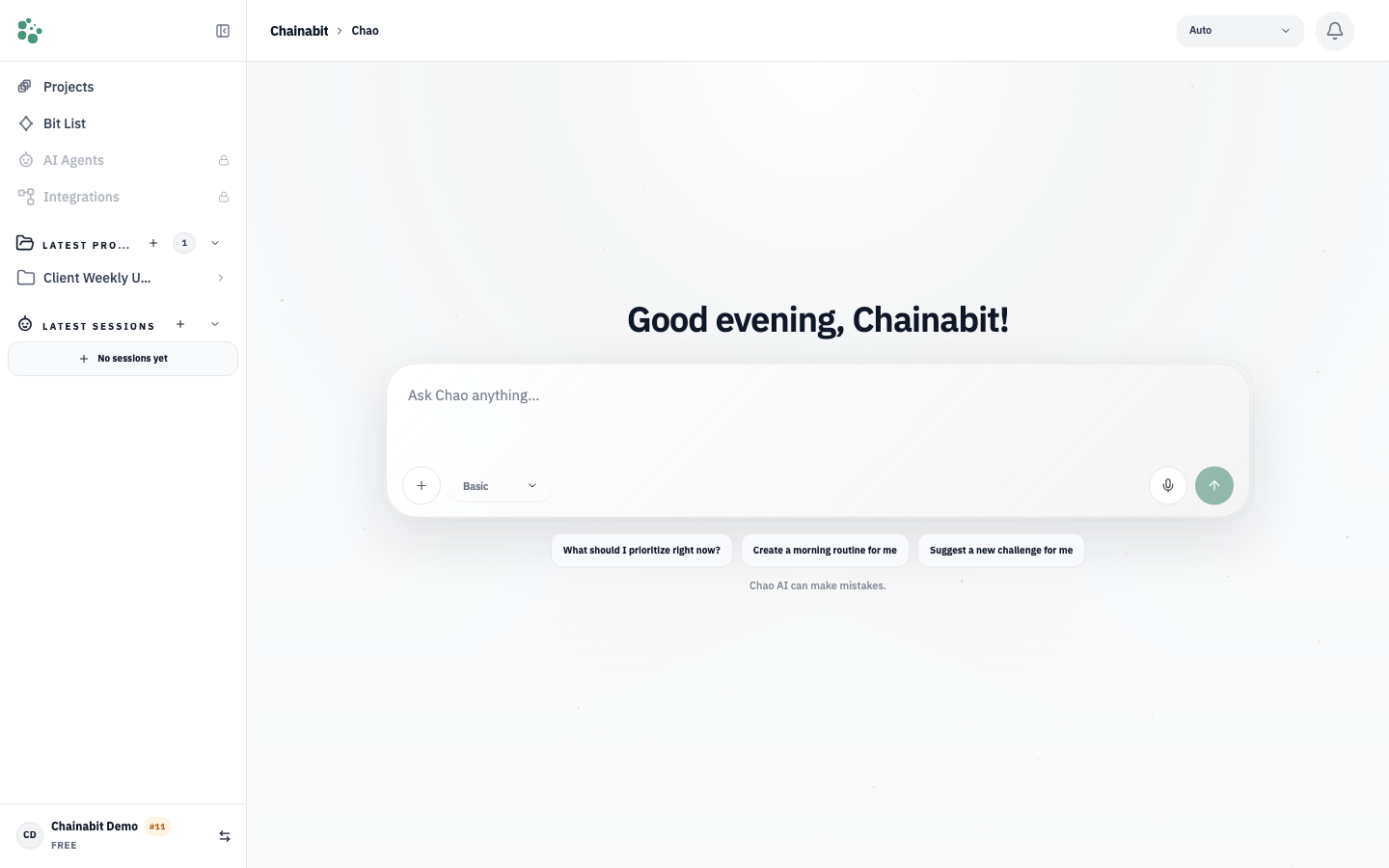
Chao is the AI assistant inside your Chainabit workspace. It knows your projects, uses the tools you allow, and returns finished work — not a draft to rewrite.
The problem
A chatbot answers. Work still has to be done.
Generic assistants start every conversation from zero: no memory of your projects, no access to your tools, and an answer you still have to copy, adapt and send. The time saved writing is spent re-explaining.
How it works
Describe it once. Review the result.
Describe the task
Write it as you would to a colleague. Attach files, links or a project.
Chao loads the context
The active project, its memories, files and connected tools are available to the session.
Chao plans and runs
It breaks the task into steps, uses tools and connectors, and asks before anything sensitive — depending on the session mode you chose.
You get the output
A structured result: a document, a list of tasks, a message ready to send, an artifact — plus the record of how it was made.
Capabilities
Chao
Work and project management
Create, update and track tasks, projects and workflows directly inside your existing workspace.
Agent definition and management
Create agents for defined roles, responsibilities and operating boundaries, then involve them in the right work.
Autonomous processes
Run repetitive or clearly defined work independently within the boundaries you set.
Delegation and priority analysis
Assess work by importance, context and current goals, then delegate suitable tasks to the right agents or processes.
Artifacts and deliverables
Create documents, PDFs, presentations, tables, code files, websites and other useful work outputs.
Context and working memory
Preserve context across projects, previous work and relevant information, then use it in future tasks.
Questions
Chao can route requests to multiple model providers and select a model based on the task, capability and effort level. The selected provider and model are shown in the session, and you can review or change the related AI preferences in Settings when those options are available.
Chao uses your workspace context, files, memories and conversation history to complete requested work. Depending on your settings, feedback and related content may be processed to evaluate, improve or train AI and safety systems; you can review and adjust the available controls in Settings, while data sent to a model provider remains subject to that provider’s policies.
Eligible AI usage is measured in credits, with consumption varying by model and the amount of input and output work. The applicable plan or credit pack determines the available balance and terms; current limits and prices are shown in Billing.
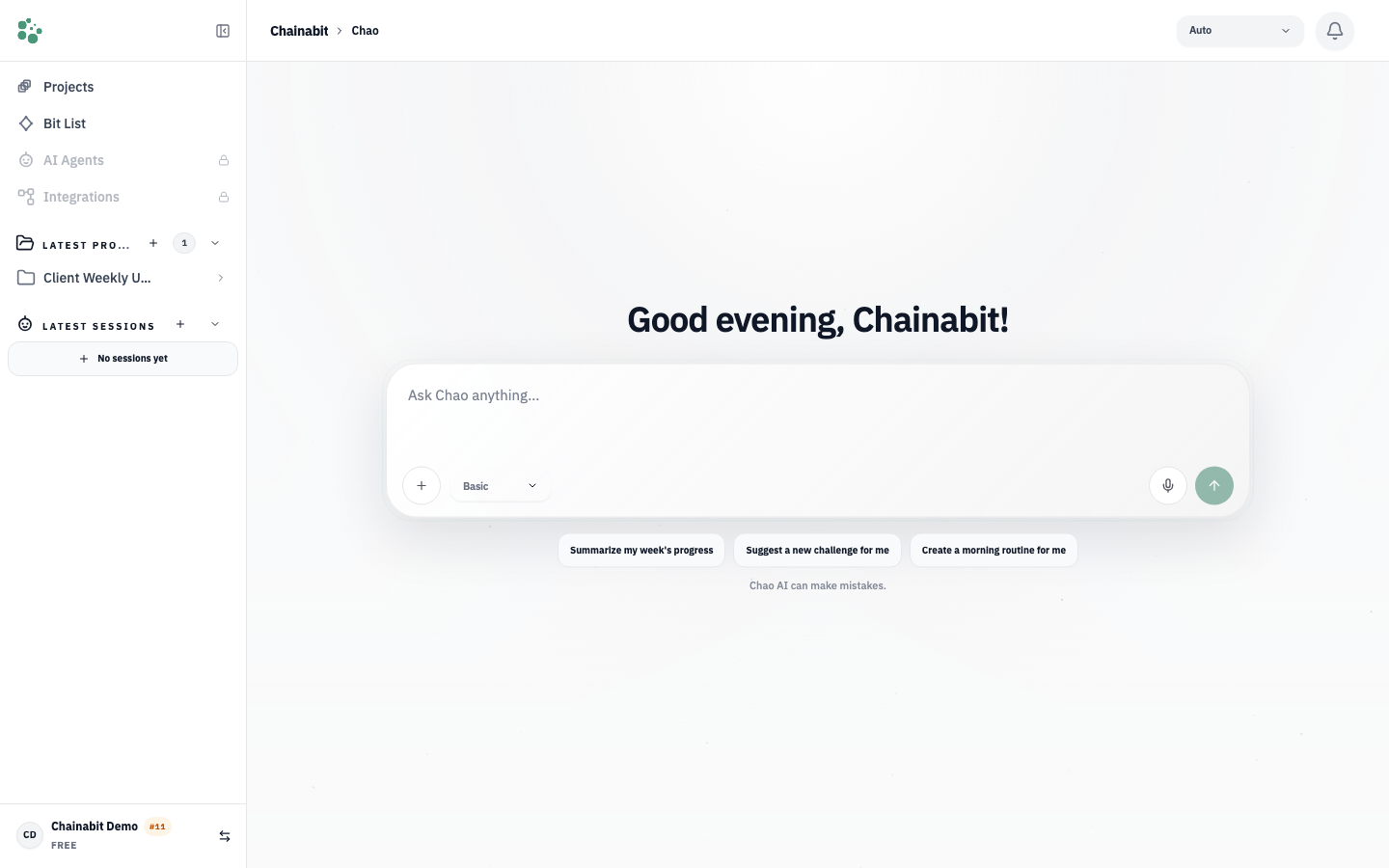
You can open the Chao interface on chainabit.com without signing in to explore how a task is described and prepared. An account is required to execute work, use workspace context or connect tools.
Yes. When you work inside a project, Chao can use the project’s tasks, memories, files and connected tools that your permissions allow.
Start with one recurring task.
Create a free account, describe one thing you do every week, and let Chao take it from there.